Specifying Service Vehicle Networks
Scenery artists can customize routes for airport service vehicles to use in X‑Plane. Ground traffic vehicles are AI-controlled, and each vehicle spends most of its time at specific “parking locations.” When called to duty it heads to either an aircraft’s location or a “truck destination.” Service vehicles will randomly visit “truck destinations” in order to create more traffic and activity at airports. All service vehicles return to “parking locations” after they complete their service.
The three tools used in creating service vehicle networks are:
- Truck Parking tool
- Truck Destination tool
- ATC Taxi Routes tool
The available types of service vehicles are:
- Fuel, for both jet and prop
- Crew cars
- Catering
- Baggage
- Ground power units (GPU)
- Push back trucks
Note that, in order for an aircraft to receive service, docking ports and their locations on the aircraft must be specified in Plane Maker > Standard Menu > Viewpoint > Dock Ports Tab
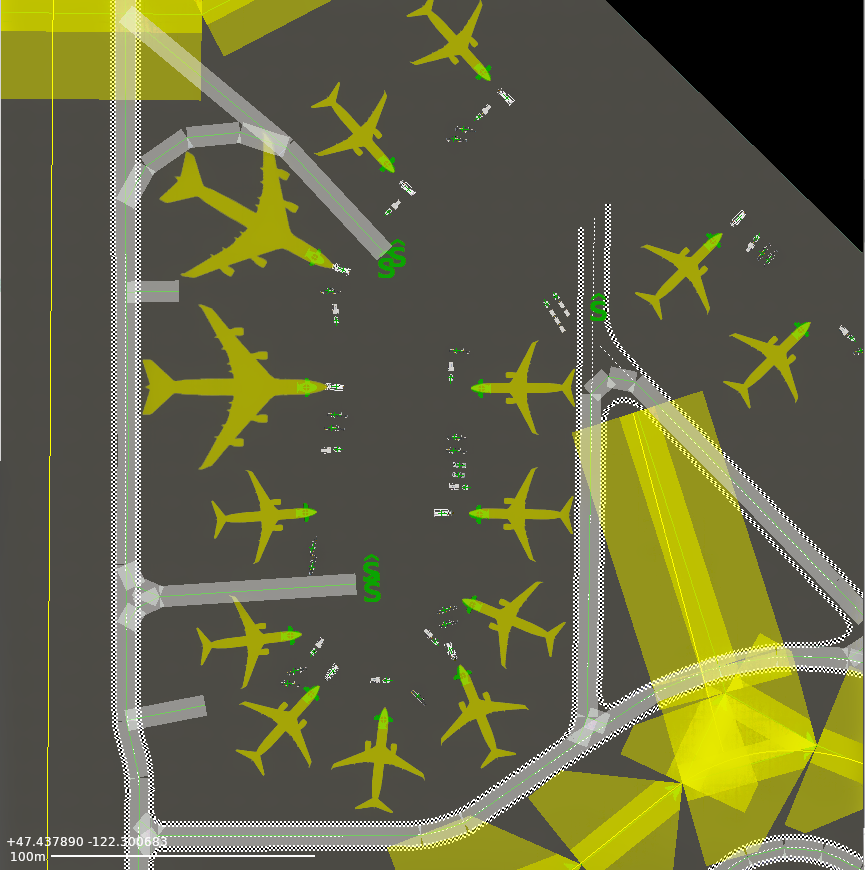
To begin laying down service vehicle networks, first select the Truck Parking tool and click in the map pane to place locations where the service vehicles will park when not in use. Only one type of vehicle is allowed per spot, which is determined by the drop down. Place parking locations near aircraft when possible so the vehicles do not have to drive a long way. Service vehicles will avoid collisions with other service vehicles and the aircraft they are servicing, but not other objects. (The awareness to avoid buildings and other objects may be available in the future.) If service vehicles need to cover a long distance however, they will use ground truck taxi routes when available.
Drawing the ground truck routes works exactly like drawing ATC taxi routes. Select the ATC Taxi Routes tool and pick “Ground Trucks” from the “Allowed Vehicles” field in the tool bar, then click in the map pane to place the points which outline a route. Service vehicle routes ignore the settings in the Runway, Departure, Arrival, ILS, Size and Name fields, but can be marked one way.
Unlike ATC taxi routes, service vehicle routes can be multiple separate, unconnected networks. Service vehicle routes are not allowed to cross or be too close to any runway, so stand-alone networks separated by runways may be necessary at many airports. Ground routes may be placed through terminal buildings if, in real life, there are paths through the area that X‑Plane is currently incapable of modeling.
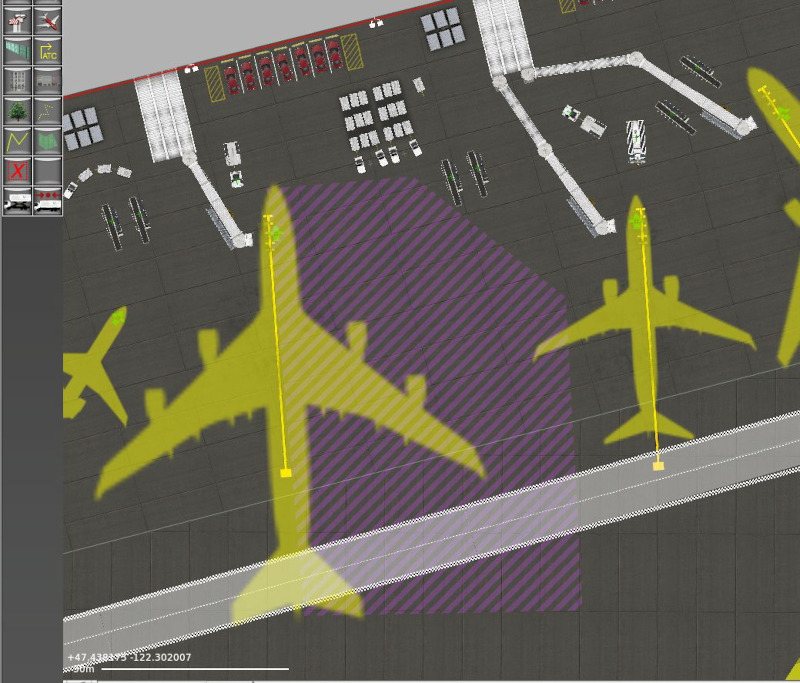
Service vehicles are good at maneuvering near their docking locations and need room to do so. This means service vehicle routes should not be drawn close to ramp starts. Leave room around the ramp starts, especially the right side, to allow for this.
caption
Space for the service vehicles to maneuver around the right (starboard) side of aircraft is indicated by the purple striped area.
The truck destination tool is used to place a location that will randomly call the specified service vehicles. Pick all the types of vehicles that will be allowed to use it in the drop down of the toolbar, then click in the map pane to place the destinations. Vehicles will drive to the spot and park there briefly in order to create more traffic activity at the airport.